I have edited my package.json to customize the "start" script so it adds the --debug flag to node:
"scripts": { "start": "node --debug server.js" } Is there a way of adding new scripts for example a debug script that would do what my customized "start" is doing right now?
I'm looking to be able to execute:
npm debug 5 Answers
In your package.json define the script
"scripts": { "debug": "node --inspect server.js" } And then you can use npm's run-script
npm run-script debug or the shorter version
npm run debug From the nodejs docs:
The legacy debugger has been deprecated as of Node 7.7.0. Please use --inspect and Inspector instead.
So starting from Node 7.7.0v use --inspect
VS Code adds a debug button inline in the package.json file
Open
package.jsonand click debug abovescriptssection
Select script to debug
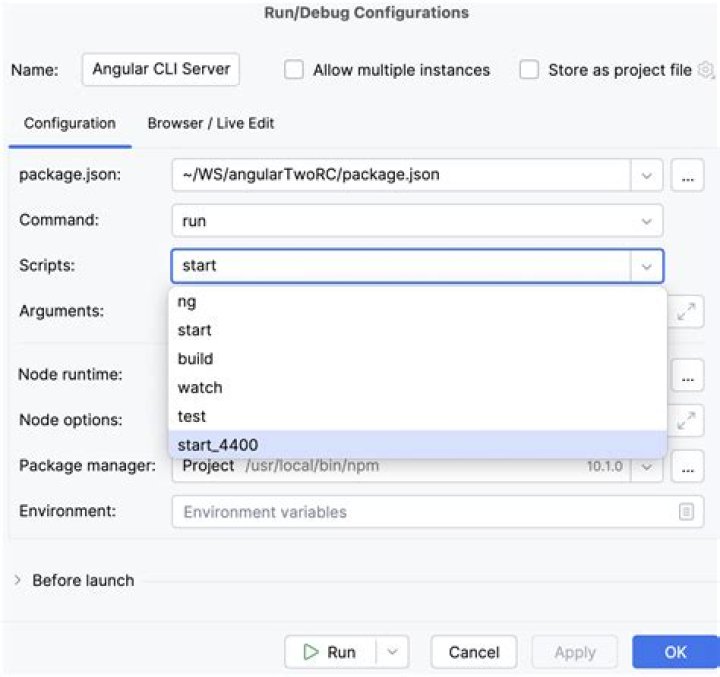
Debugger should be attached
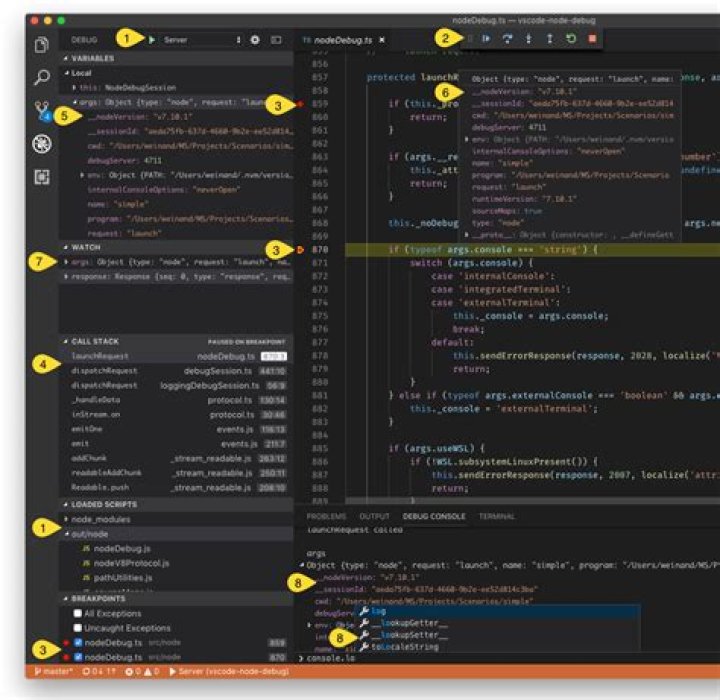
for remote debug get npm-cli.js path
> npm --verbose npm info it worked if it ends with ok npm verb cli [ npm verb cli 'C:\\Program Files\\nodejs\\node.exe', npm verb cli 'C:\\Program Files\\nodejs\\node_modules\\npm\\bin\\npm-cli.js', npm verb cli '--verbose' npm verb cli ] npm info using npm@6.14.14 npm info using node@v14.17.5 then
node --inspect-brk "C:\\Program Files\\nodejs\\node_modules\\npm\\bin\\npm-cli.js" run your-npm-script for mac or linux
➜ ~ npm --verbose npm info it worked if it ends with ok npm verb cli [ npm verb cli '/usr/local/Cellar/node@14/14.18.2/bin/node', npm verb cli '/usr/local/bin/npm', npm verb cli '--verbose' npm verb cli ] npm info using npm@6.14.15 npm info using node@v14.18.2 node --inspect-brk "/usr/local/bin/npm" run your-npm-script - In VS Code hit cmd+shift+p (or View > Command Palette...)
- Type
npmand selectDebug: Debug npm Script - Hit enter and pick the script that you want from the
scriptsofpackage.json.





