How to change Chrome Extension icon in this page?
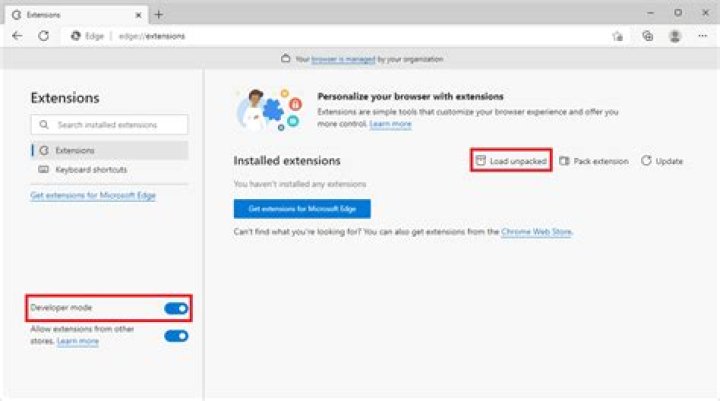
Here's my manifest code :
{ "manifest_version": 2, "name": "Demo", "description": "This is demo.", "version": "1.0", "browser_action": { "default_icon": "icon128.png", "icons": { "16": "icon16.png", "48": "icon48.png", "128": "icon128.png" }, "default_popup": "popup.html" }, "permissions": [ "activeTab", "storage" ] } The icon on toolbar is changed, but not on the chrome://extension page.
2 Answers
Set "icons" key in manifest.json.
The browser_action.icons key is what gets displayed in the toolbar (and will probably only use 16, 24, and 32 sized images, see browserAction).
The one displayed in chrome://extensions is a top level icons key. In the manifest documentation, look for the 6th entry, so that your manifest has an top-level entry, like:
{ "icons": { "16": "icon16.png", "48": "icon48.png", "128": "icon128.png" } } It should be:
{ "manifest_version": 2, "name": "Demo", "description": "This is demo.", "version": "1.0", "icons": { "16": "icon16.png", "48": "icon48.png", "128": "icon128.png" }, "browser_action": { "default_popup": "popup.html" }, "permissions": ["activeTab", "storage"] } 



