Is it possible to declare variables in Excel cells and use them as parameters for formulas in other cells?
For example I would declare var1=10 in one of the cells. In another cell I would use var1 for calculation like: =var1*20.
4 Answers
You can name cells. This is done by clicking the Name Box (that thing next to the formula bar which says "A1" for example) and typing a name, such as, "myvar". Now you can use that name instead of the cell reference:
= myvar*25 I also just found out how to do this with the Excel Name Manager (Formulas > Defined Names Section > Name Manager).
You can define a variable that doesn't have to "live" within a cell and then you can use it in formulas.
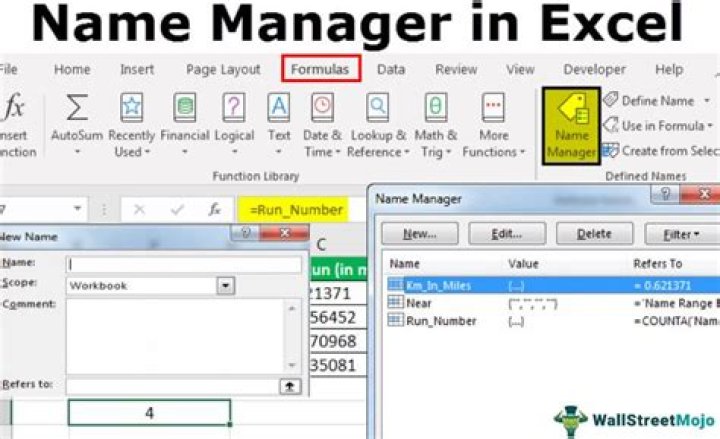
The lingo in excel is different, you don't "declare variables", you "name" cells or arrays.
A good overview of how you do that is below:
You can use (hidden) cells as variables. E.g., you could hide Column C, set C1 to
=20 and use it as
=c1*20 Alternatively you can write VBA Macros which set and read a global variable.
Edit: AKX renders my Answer partially incorrect. I had no idea you could name cells in Excel.
1



