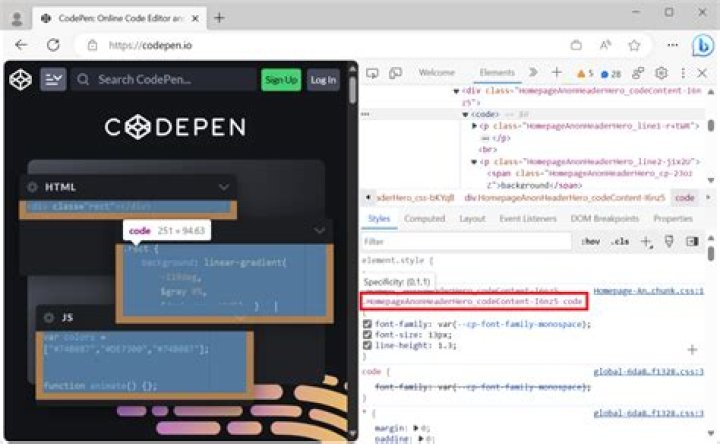
I'm looking at a webpage I didn't create, and trying to find what background color it uses "under" an element. Unfortunately, that element isn't the one setting the background color I'm looking at. How can I figure out the background color of that element? Do I just have to click on every parent until i find the one with the background color? I'm hoping there's an easier way of doing this with Firefox inspection tools.
Background color is just an example. I know I could just use a color picker tool for this, but the same question could apply to "who's setting this font size" and "who's setting this box-sizing?" I want to learn how to inspect properties better, not how to find background color better.
21 Answer
The background image or background color are actually a special case because they are not inherited. That means, you do have to check the other elements that are behind the element you are inspecting to find the one that sets the background. Often those are the ancestor elements though that is not always the case. The element you are inspecting could be positioned or have a display value of fixed or something similar. And also, the background color can be transparent, so a color picker doesn't necessarily return the set color(s).
So, to get the elements actually behind the current one you will need to run the document.elementsFromPoint() function for a specific coordinate lying within the element. Then you can traverse through them to find out which one is setting the color.
A simple JavaScript snippet to help with this is
document.getElementsFromPoint(x, y).forEach(el => { const cs = window.getComputedStyle(el); bgcolor = cs.getPropertyValue('background-color'); console.log(el, bgcolor); }); which outputs the background color values of each element up to the root <html> element. Just execute it in the command line of the Console panel.
For all other properties you should have a look at the Rules panel. In there you can search for the property you want to know about, like the mentioned font-size. Put it in backticks to search for exact name matches.
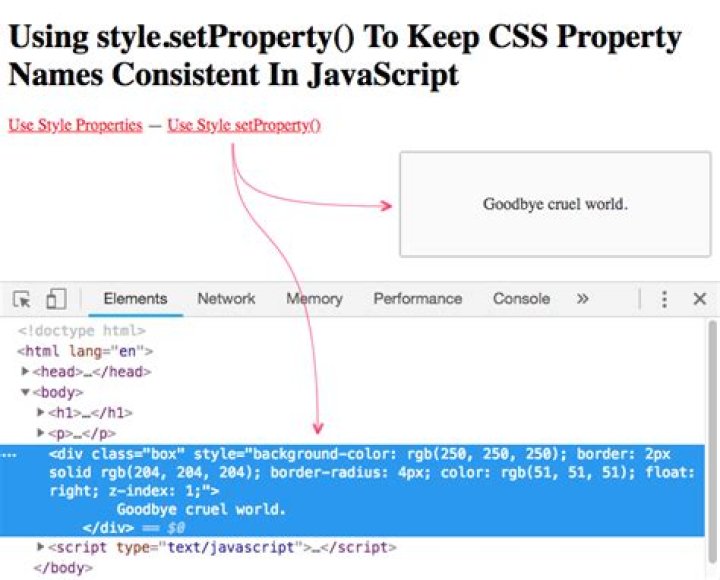
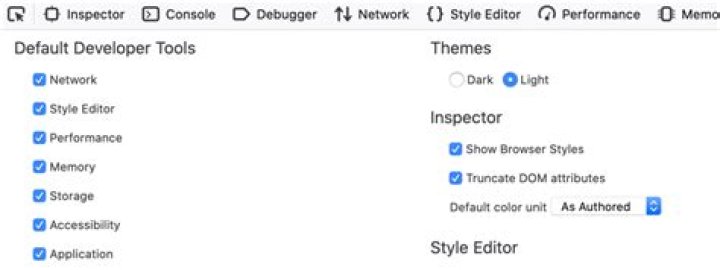
You may also want to enable the display of browser styles in order to see whether the value comes from the browser stylesheet itself.
Furthermore, you can click the little target icon besides each selector in the panel to highlight the elements matched by the selector within the page.