I was just checking out django, and was trying a view to list the books by passing id as an argument to the URL books/urls.py. But getting 404 page not found error. I'm not getting whats wrong in the url when I typed this url in the browser:
bookstore/urls.py
urlpatterns = [ path('admin/', admin.site.urls), path('books/', include("books.urls")) ] settings.py
INSTALLED_APPS = [ 'django.contrib.admin', 'django.contrib.auth', 'django.contrib.contenttypes', 'django.contrib.sessions', 'django.contrib.messages', 'django.contrib.staticfiles', 'books' ] ... ... ... ROOT_URLCONF = 'bookstore.urls' books/urls.py
urlpatterns = [ path('home/', create), path('list/(?P<id>\d+)', list_view), ] books/views.py
def create(request): form = CreateForm(request.POST or None, request.FILES or None) if form.is_valid(): instance = form.save(commit=False) instance.save() messages.success(request, "Book Created") return redirect('/books/list', kwargs={"id":instance.id}) return render(request, "home.html", {"form":form}) def list_view(request, id=None): books = Book.objects.filter(id=id) return render(request, "list.html", {"books": books}) Project Structure:
├── books │ ├── admin.py │ ├── forms.py │ ├── __init__.py │ ├── models.py │ ├── urls.py │ └── views.py ├── bookstore │ ├── __init__.py │ ├── settings.py │ ├── urls.py Here is the screenshot - 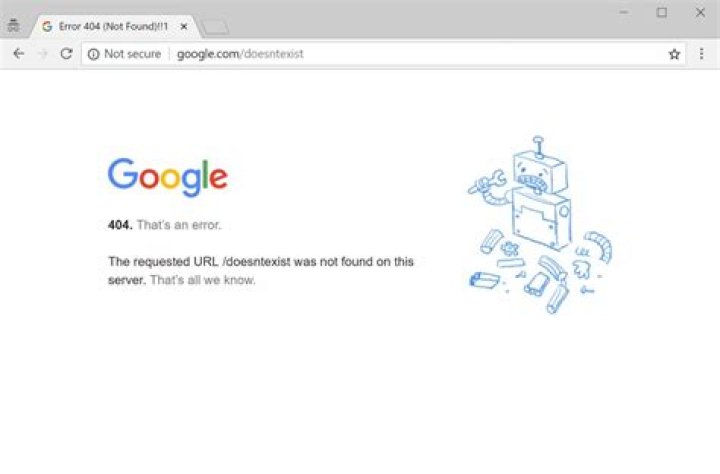
EDIT - As addressed in the comments - Tried by appending / in the url expression of thebooks.urls but no luck :( 
1 Answer
You are using the new path from Django 2.0 incorrectly. You shouldn't use a regex like \d+. Try changing it to:
path('list/<int:id>/', list_view, name='list_view'), The name is required if you want to reverse the URL.
If you want to stick with regexes, then use re_path (or url() still works if you want to be compatible with older versions of Django). See the URL dispatcher docs for more info.
Note the trailing slash as well - otherwise your path matches but not .




