I am using Autodesk Maya for creating models and animations of this character. This character appears and animates perfectly on all other platforms like Unity, 3dsMax, etc. but when I import .dae file in Xcode the face of the character appears green and not showing the perfect texture.

This model has perfect UV's on the face, other faces are used as blend shapes those shows perfect texture. UV's of the main face which appears green.
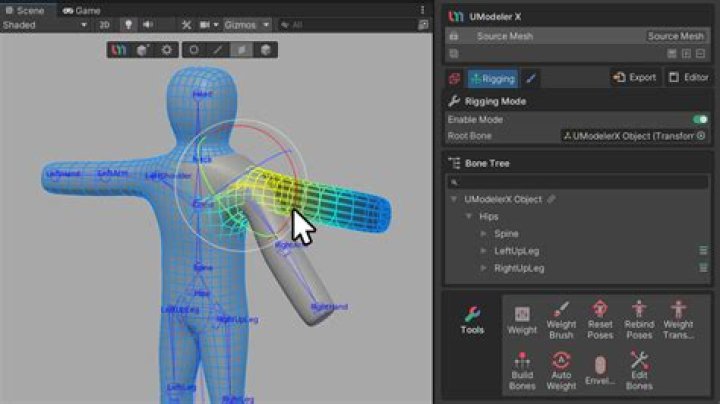
The face appears in Unity
What changes are required to change green color appearance of face to normal?
1 Answer
If any Maya material appears as green surface in SceneKit, you should delete a UV-mapped texture in Maya (check whether you're using Lambert, Blinn or Phong shader) and re-apply UV-mapped texture from scratch.
Green surface usually means a 3D object doesn't have a shading group assigned, or shader is somewhat corrupted, or error appears during import.
If you can't reassign a UV-mapped texture in Maya, try to assign this texture in SceneKit's Scenegraph. For that select a head and using Diffuse slot in Material Inspector choose a texture from a drop-down menu (the best image format in this case is .jpg on .png).
P.S.
I've found that your model was locked in Maya. Check ChannelBox and AttributeEditor.




